

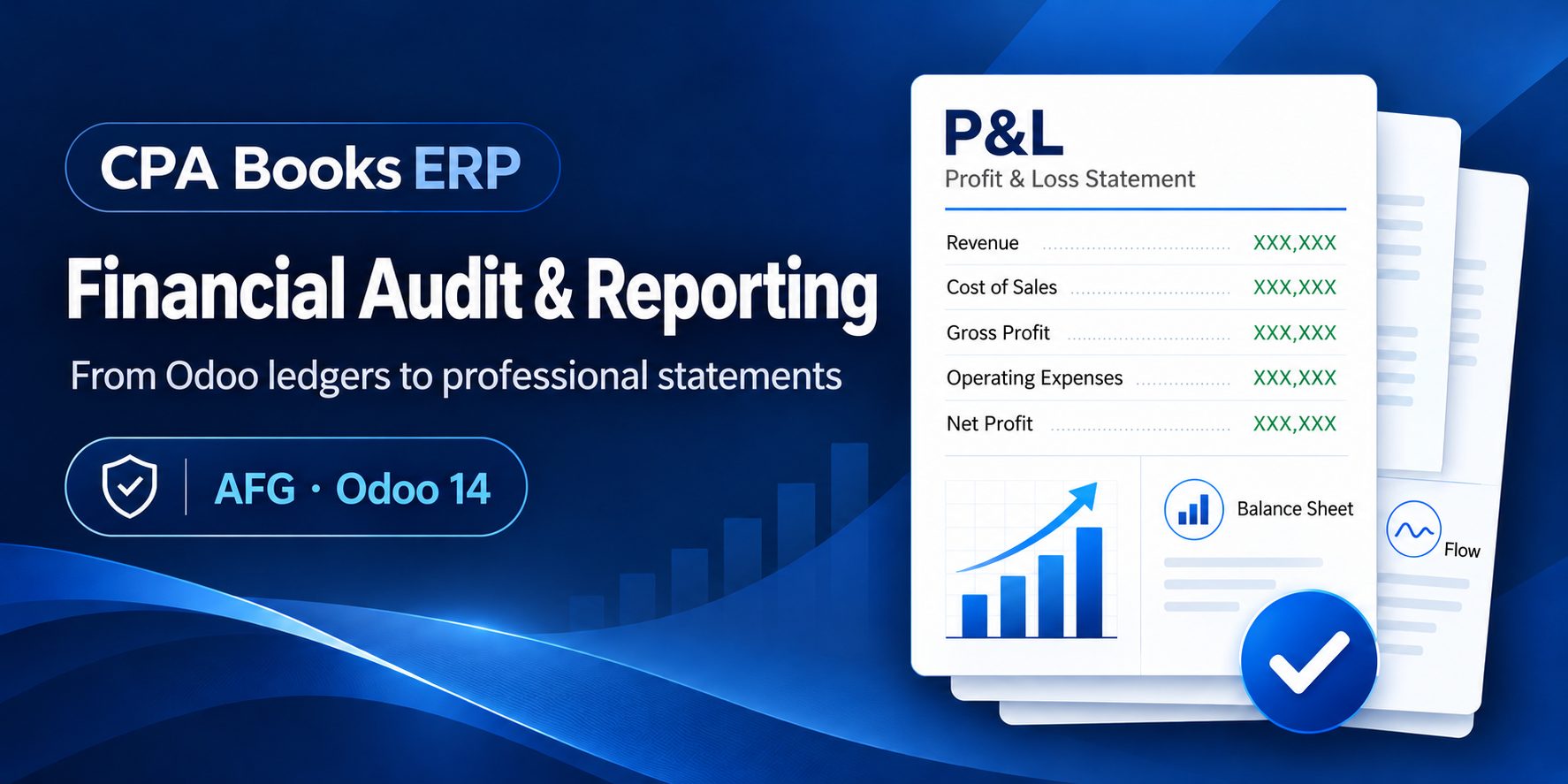
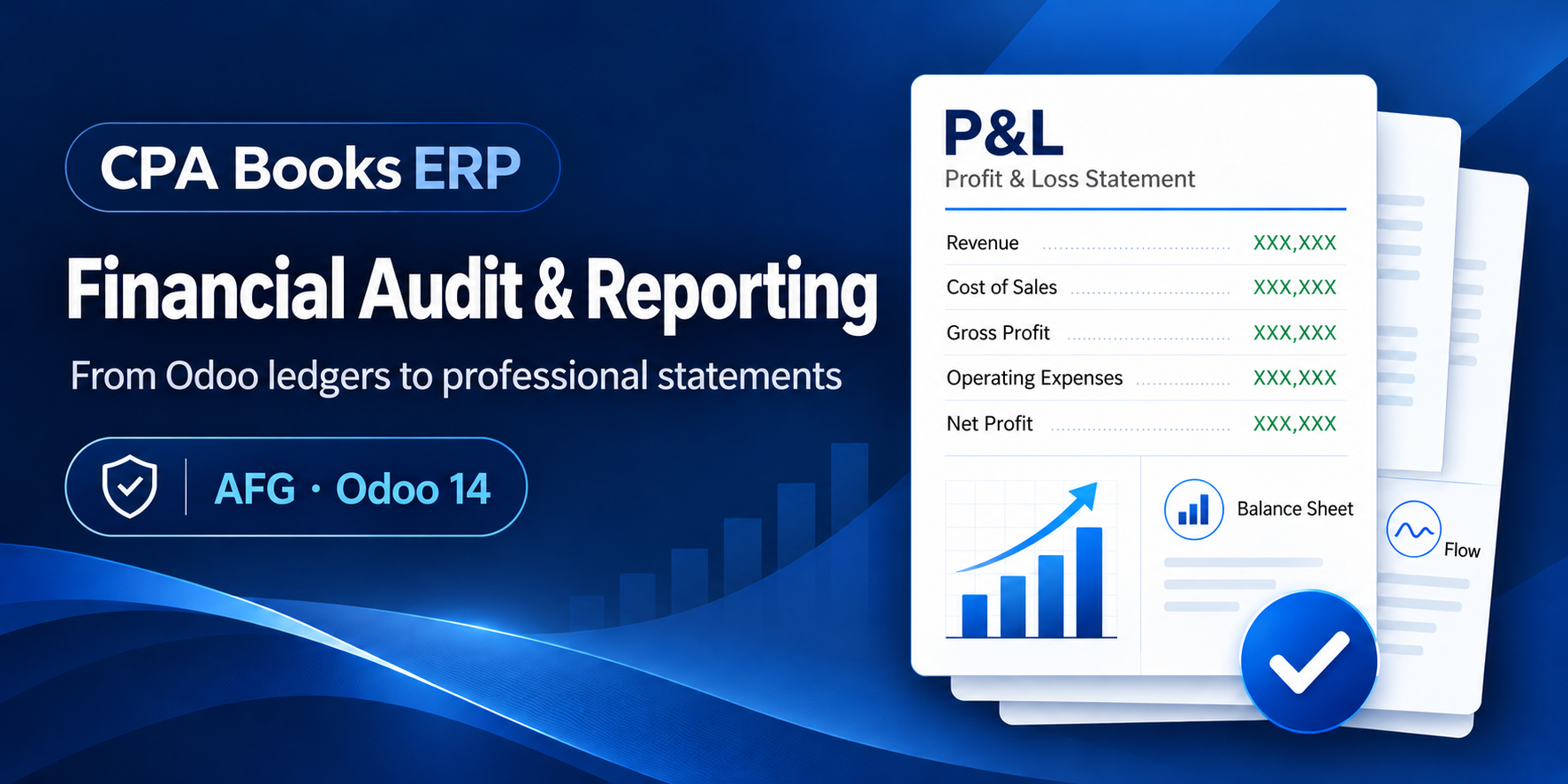
Financial Audit & Reporting
You bought this module and need support? Click here
Financial Audit & Reporting
Your year-end financial statement pack, straight from your Odoo ledgers.
Profit or Loss, Financial Position, Changes in Equity, Cash Flows, PPE schedule, notes and a UAE Corporate Tax layout, built from posted journals, checked with PASS / FAIL validation, and printed in the level of detail you need.
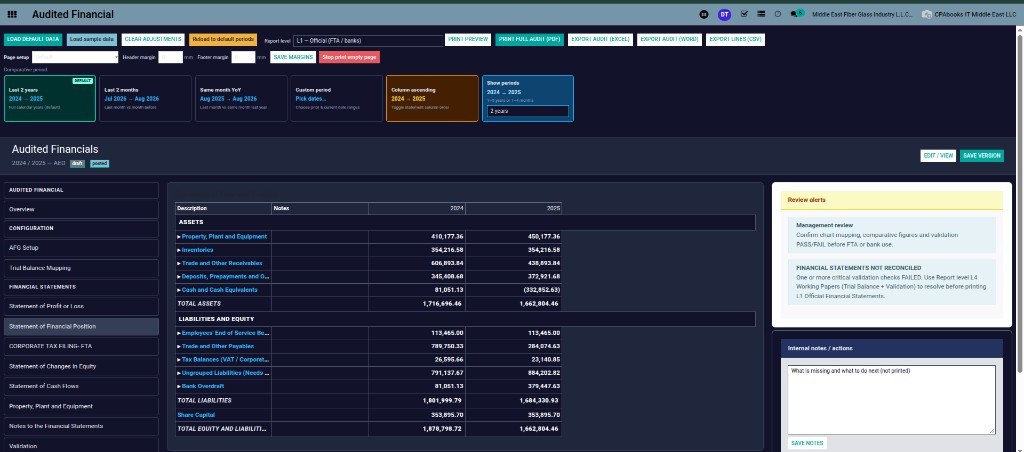
See the pack Request a demo| Assets | 2024 | 2025 |
| Property, plant and equipment | 410,177 | 450,177 |
| Inventories | 354,217 | 354,217 |
| Trade and other receivables | 606,894 | 438,894 |
| Cash and cash equivalents | 81,051 | (332,853) |
| Total assets | 1,716,696 | 1,662,804 |
7 statement sections |
5 report levels |
25+ validation checks |
4 export formats |
From trial balance to finished pack in five steps
Every statement, in the order a reader expects
AFG lays out the full set of management financial statements from the accounts you already keep in Odoo. No trial balance copied into Excel, no figures retyped into Word.
| I | Statement of Profit or Loss | P&L |
| II | Statement of Financial Position | SOFP |
| III | Statement of Changes in Equity | SOCE |
| IV | Statement of Cash Flows | CF |
| V | Property, Plant and Equipment | PPE |
| VI | Notes to the Financial Statements | Notes |
| VII | Validation & Review | Checks |
| + | Corporate Tax Filing (FTA) layout | CT |
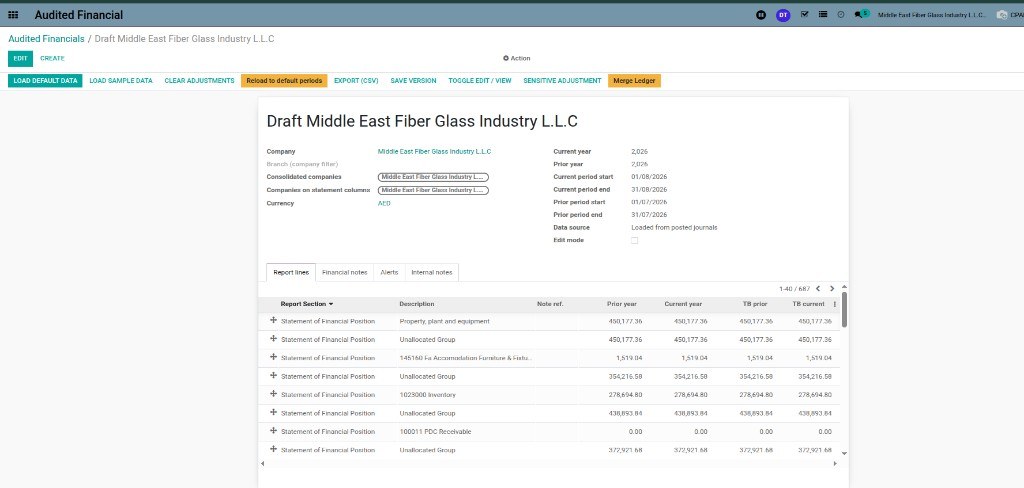
One record per company and period
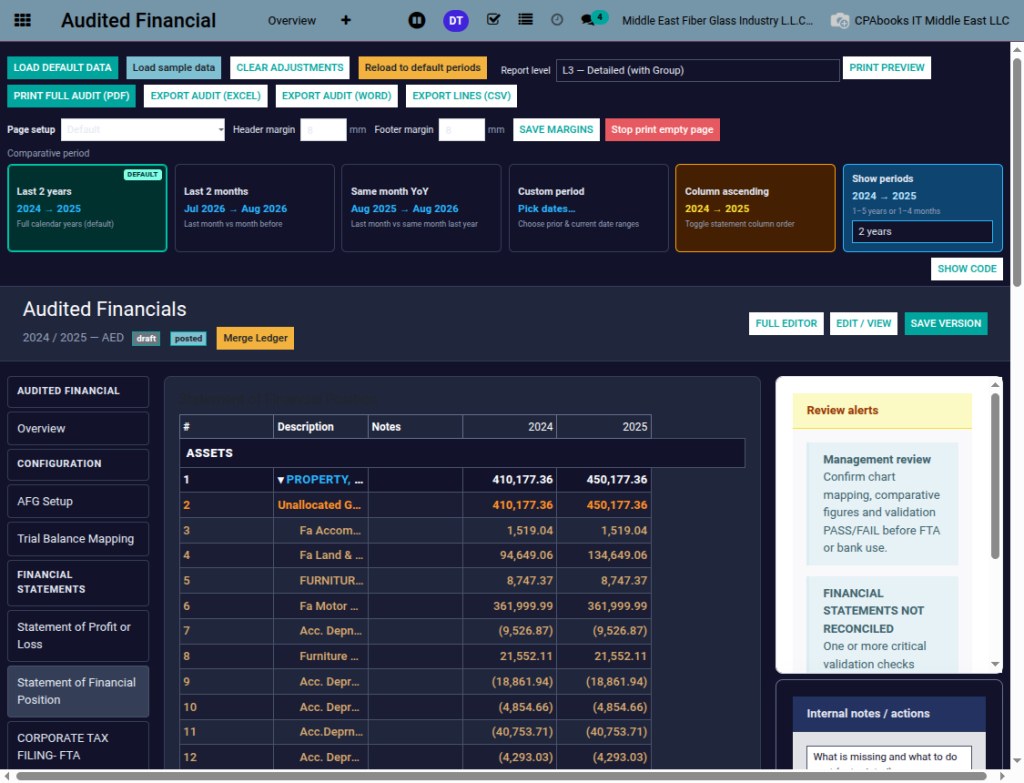
Every line shows prior year, current year and the trial balance figure next to it, so differences stand out at a glance.
Same books, five levels of detail
Give the bank a clean official pack, give management the type breakdown, and keep the full working papers for the accountant. Switch the level, print again.
Compare any two periods with one click
Show 1 to 5 years or 1 to 4 months, and choose the column order.
Checked before anyone sees it
More than 25 checks run on the pack. A critical FAIL stops the L1 official print and shows you where to fix it.
| Revenue − Expenses = Profit | PASS |
| Assets = Equity + Liabilities | PASS |
| Changes in Equity agree to SOFP and P&L | PASS |
| Closing cash agrees to Cash Flow | PASS |
| Opening balance = prior closing | PASS |
| Cash not overdrawn | WARN |
| Financial statements reconcile to TB | FAIL |
Mapping, adjustments and clean ledgers
A filing layout next to your statements
Tag each account with one of 30 CT filing categories. AFG builds the Corporate Tax view of P&L and Financial Position and prints a CT-only PDF.
02 Salaries / EOSB
03 Rent prepaid
04 FAR auto
06 Profit and Loss
07 Balance Sheet
08 Trial Balance
One pack, four formats
At a glance
| Publisher | CPA Books ERP |
| Version | Odoo 14 |
| Price | Free |
| Needs | Accounting, CPA Books ERP dashboard module |
| Exports | PDF, Excel, Word (.doc), CSV |
| Statements | P&L, SOFP, SOCE, Cash Flows, PPE, Notes, CT layout |
Questions
Upgradeable to any Odoo version
AFG is published for Odoo 14 today. Running Odoo 15, 16, 17, 18 or 19? We upgrade the app to your version. Message us on WhatsApp or email with your Odoo version.
WhatsApp +971 56 256 8128 info.cpabooks@gmail.com| Odoo 14.0 | Available now |
| Odoo 15.0 | Upgrade on request |
| Odoo 16.0 | Upgrade on request |
| Odoo 17.0 | Upgrade on request |
| Odoo 18.0 | Upgrade on request |
| Odoo 19.0 | Upgrade on request |
Close the year from inside Odoo
Questions, setup help or a demo? Write to us and we will get back to you.
info.cpabooks@gmail.com +971 56 256 8128# -*- coding: utf-8 -*-
{
'name': 'Financial Audit & Reporting',
'summary': 'IFRS/FTA-style management financial statements and TB mapping',
'description': """
Financial Audit & Reporting
=================================
From trial balance to the full pack: Profit or Loss, Financial Position,
Equity, Cash Flow, PPE schedule, notes and UAE Corporate Tax.
""",
'version': '14.0.1.0.236',
'category': 'Accounting',
'author': 'CPA Books ERP',
'website': 'https://cpabookserp.com',
'live_test_url': 'https://cpabookserp.com/contactus',
'license': 'OPL-1',
'support': 'info.cpabooks@gmail.com',
'images': [
'static/description/banner.png',
],
'depends': [
'base',
'account',
'project_dashboard_odoo',
],
'data': [
'security/ir.model.access.csv',
'security/audited_financial_security.xml',
'data/multico_client_actions.xml',
'views/audited_financials_views.xml',
'views/afg_map_list_assets.xml',
'views/account_account_views.xml',
'views/audited_financial_ledger_merge_views.xml',
'views/audited_financial_l1_print_wizard_views.xml',
'views/audited_financial_print_setup_wizard_views.xml',
'views/afg_journal_items_views.xml',
'data/menu_cleanup_legacy_statements.xml',
],
'installable': True,
'application': False,
'auto_install': False,
'pre_init_hook': 'pre_init_hook',
'post_init_hook': 'post_init_hook',
}
Copyright (c) 2026 Saaskul (https://saaskul.com)

Odoo Proprietary License v1.0

This software and associated files (the "Software") may only be used (executed,
modified, executed after modifications) if you have purchased a valid license
from the authors, typically via Odoo Apps, or if you have received a written
agreement from the authors of the Software (see the COPYRIGHT file).

You may develop Odoo modules that use the Software as a library (typically
by depending on it, importing it and using its resources), but without copying
any source code or material from the Software. You may distribute those
modules under the license of your choice, provided that this license is
compatible with the terms of the Odoo Proprietary License (For example:
LGPL, MIT, or proprietary licenses similar to this one).

It is forbidden to publish, distribute, sublicense, or sell copies of the Software
or modified copies of the Software.

The above copyright notice and this permission notice must be included in all
copies or substantial portions of the Software.

THE SOFTWARE IS PROVIDED "AS IS", WITHOUT WARRANTY OF ANY KIND, EXPRESS OR
IMPLIED, INCLUDING BUT NOT LIMITED TO THE WARRANTIES OF MERCHANTABILITY,
FITNESS FOR A PARTICULAR PURPOSE AND NONINFRINGEMENT. IN NO EVENT SHALL THE
AUTHORS OR COPYRIGHT HOLDERS BE LIABLE FOR ANY CLAIM, DAMAGES OR OTHER
LIABILITY, WHETHER IN AN ACTION OF CONTRACT, TORT OR OTHERWISE, ARISING FROM,
OUT OF OR IN CONNECTION WITH THE SOFTWARE OR THE USE OR OTHER DEALINGS IN THE
SOFTWARE.