

DB Manager Guard - Secure Login, Hide Database Selector
You bought this module and need support? Click here

DB Manager Guard
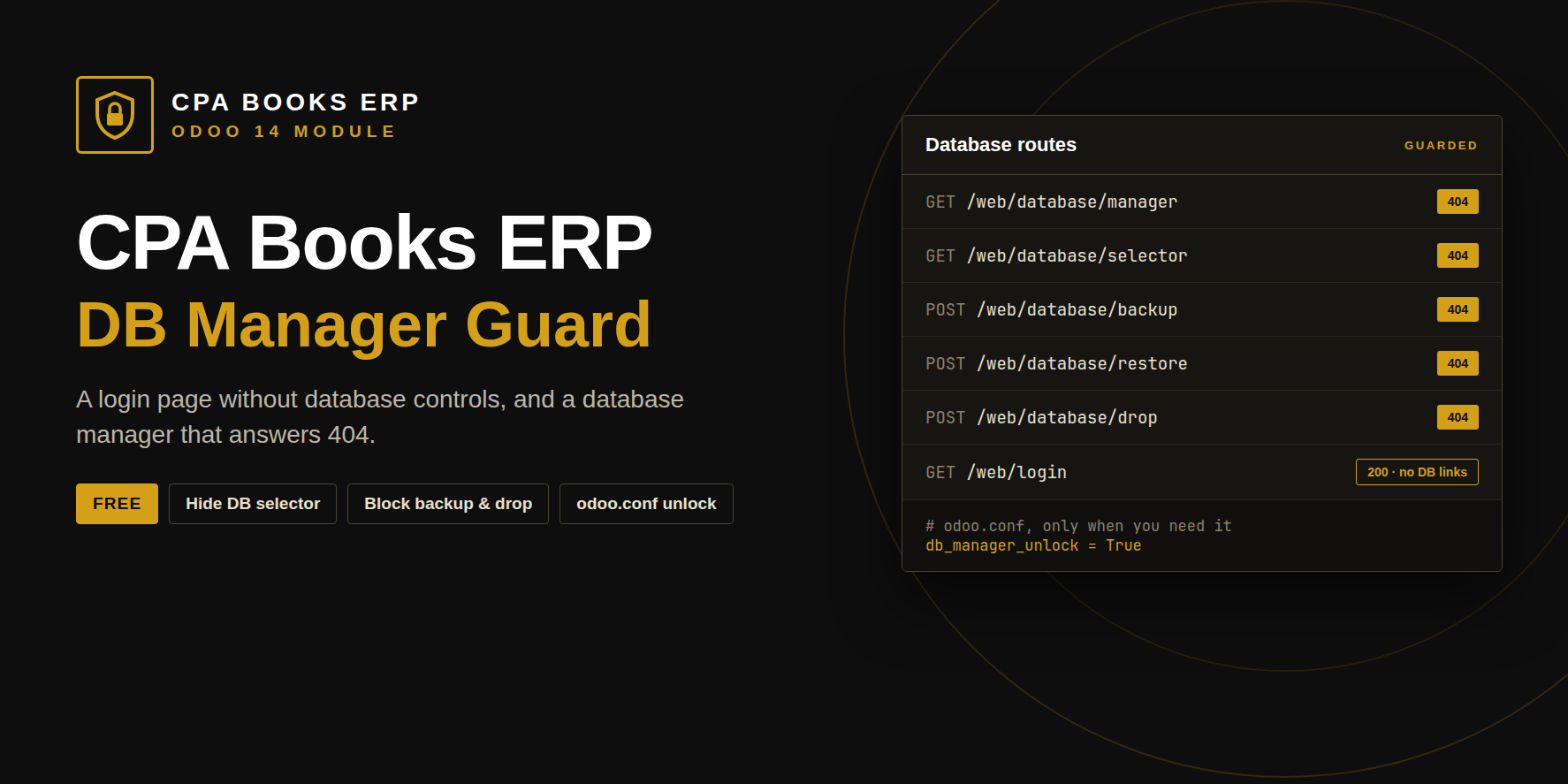
A login page without database controls, and a database manager that answers 404. Backup, restore, duplicate and drop are refused until you unlock them in odoo.conf.
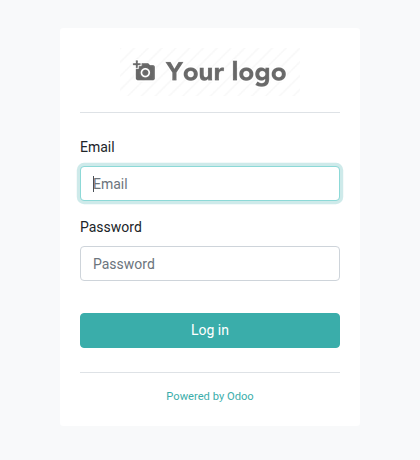
Standard login page vs guarded
| On the login page | Standard Odoo | With DB Manager Guard |
|---|---|---|
| Manage Databases link | Shown to every visitor | Removed |
| Select database button | Lists your database names | Removed |
| Typing the manager URL | Opens backup, restore and drop forms | 404 Not Found |
| Guessing the master password | The only protection | The forms are not reachable at all |
Eight URLs answer 404
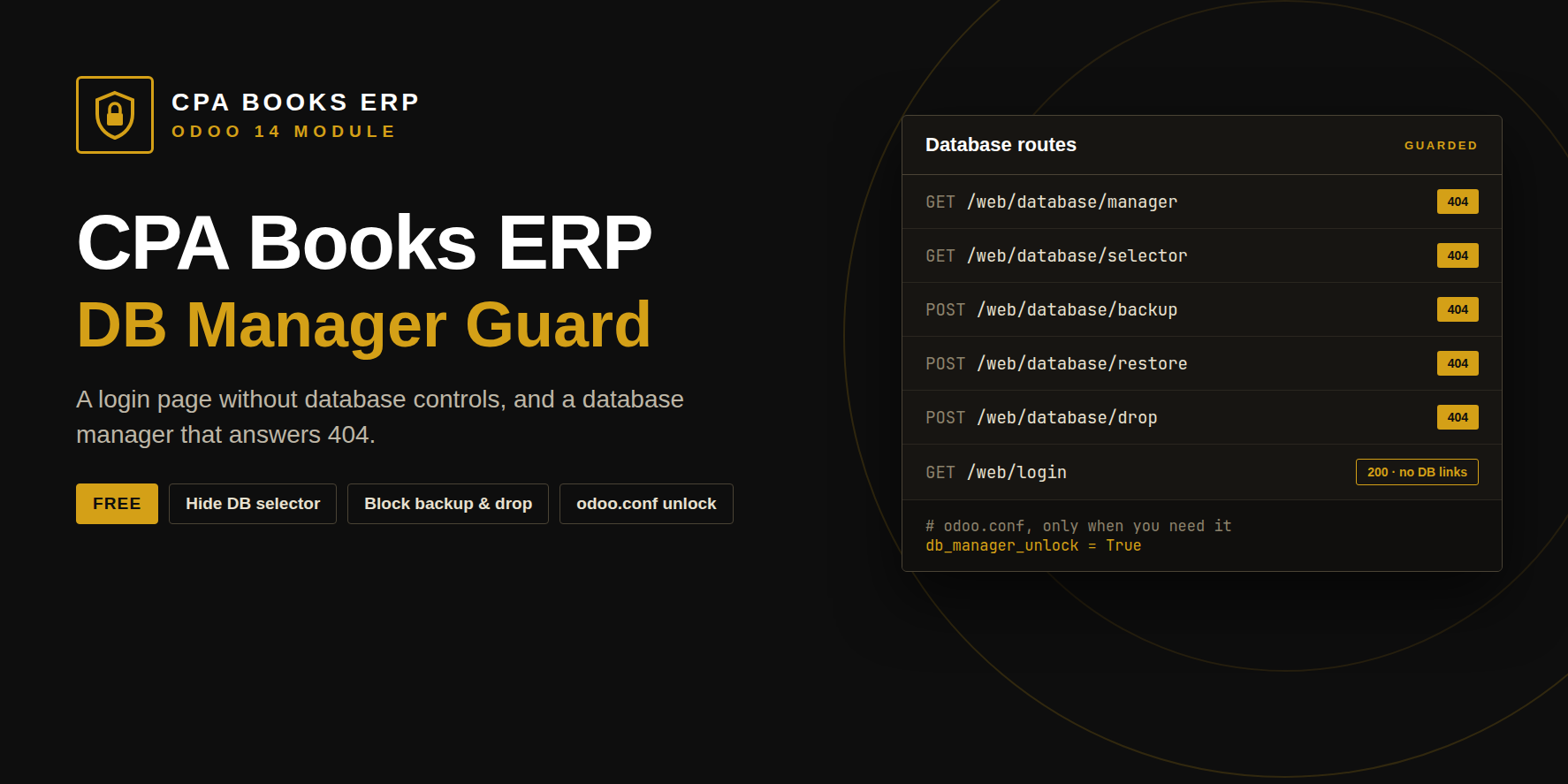
| GET | /web/database/manager | 404 |
| GET | /web/database/selector | 404 |
| POST | /web/database/backup | 404 |
| POST | /web/database/restore | 404 |
| POST | /web/database/duplicate | 404 |
| POST | /web/database/drop | 404 |
| POST | /web/database/create | 404 |
| POST | /web/database/change_password | 404 |
Each refused call is written to the Odoo log at INFO level.
The key stays on the server
Nobody can switch the manager on from a browser. Only someone with access to the Odoo configuration file can.
db_manager_unlock = True
# 2. restart Odoo, use the manager, then remove the line
# 3. restart Odoo again to guard it
| Module | db_manager_guard |
| Odoo | 14.0 Community and Enterprise |
| Depends on | web |
| Unlock option | db_manager_unlock |
| License | OPL-1 · CPA Books ERP |
Which servers does it protect?
Servers where each domain opens one database through dbfilter, the usual production setup. If your server lists many databases with no filter, also set list_db = False.
Does login change for users?
No. Email, password, reset password and sign-up work as before.
How do I back up?
With your server backups (pg_dump), or unlock the manager for a short time.
Is it really free?
Yes. Help with server setup is available from the CPA Books ERP team.
Upgradeable to any Odoo version
Available for Odoo 14 now. Need DB Manager Guard on another version? We upgrade it for you.
Guard the databases behind your login
Questions or help with your server setup? The CPA Books ERP team replies on WhatsApp and email.
name: DB Manager Guard - Secure Login, Hide Database Selector
version: 14.0.1.0.0
category: Extra Tools
author: CPA Books ERP
license: OPL-1
price: Free
depends: web
technical_name: db_manager_guard
website: https://cpabookserp.com
summary: Protect your Odoo databases: removes Manage Databases and Select Database from the login page and returns 404 for the database manager, backup, restore, duplicate and drop URLs. One odoo.conf line to unlock.